Event-wide settings for every Broadcast output. Test changes in the preview before race day.
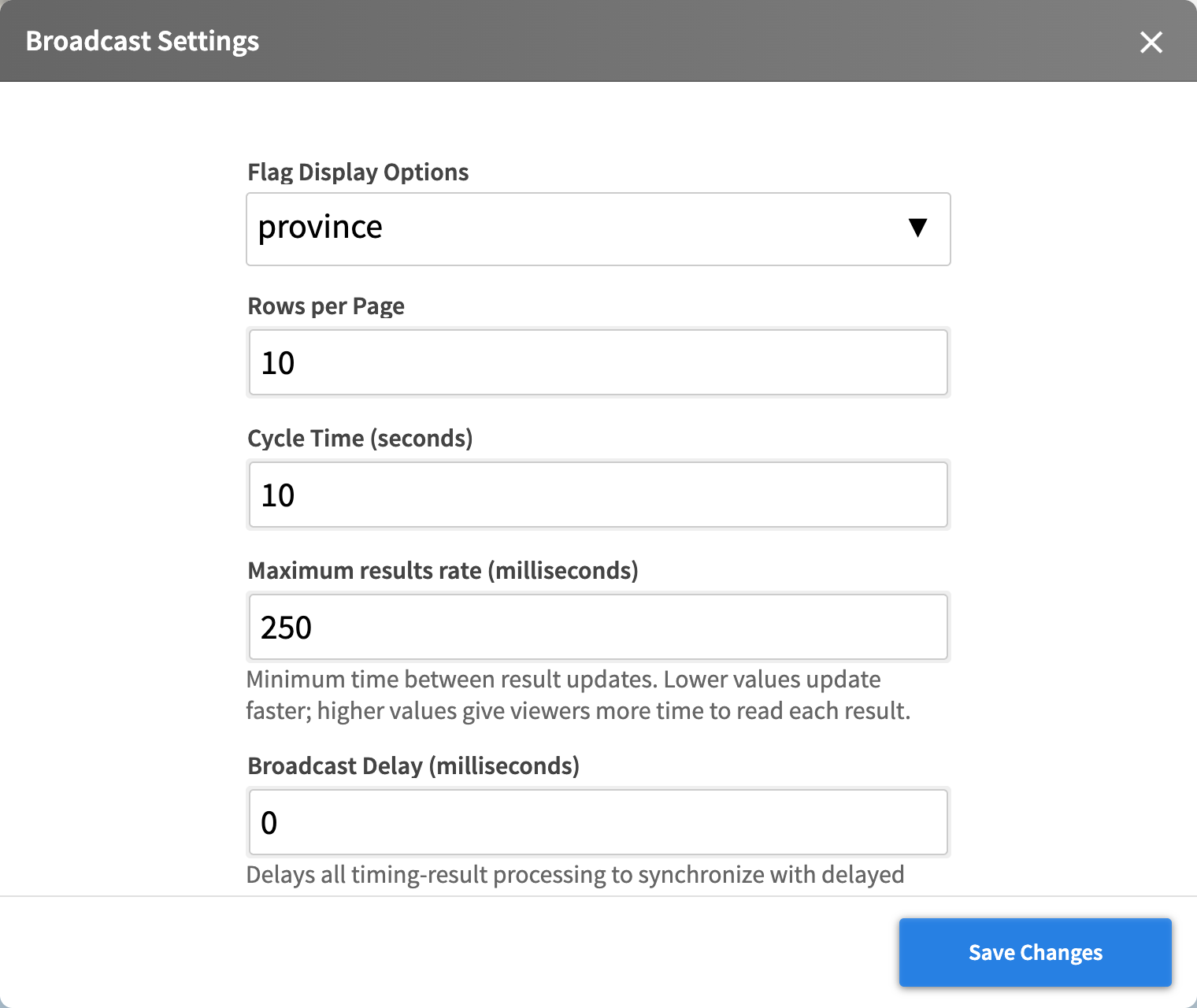 The Broadcast Settings panel.
Display
| Setting | What it does |
|---|---|
| Flag Display Options | Province, Country or NOC/FIS/UCI flags, or none. Lists the flags the race has fields for, and saving one makes those fields public. Use NOC/FIS/UCI for FIS and UCI races. |
| Screen Position | Left or right side for Live Splits, Single Athlete and Latest Crossing. |
| Show Lucky Losers | Sprint heats only: shows or hides lucky losers in Full Page Results, Start List and Live Splits. On by default. |
| Rows per Page | Rows per page in Full Page Results and Start List. |
| Cycle Time (seconds) | How long a page or group stays before the next. Also sets sponsor rotation and how long Latest Crossing bars stay. 10 by default. |
| Maximum results rate (milliseconds) | Minimum time between result updates. Higher is easier to read. 500 by default. |
| Broadcast Delay (milliseconds) | Delays results to match delayed video. 0 for none. |
| Window Width / Window Height | The output resolution. Set your browser source to the same size. |
Images and sponsors
| Setting | What it does |
|---|---|
| Image View Library | The event’s images for Image View. Drag to reorder. Outputs keep an image they already use. |
| Sponsors | Lite and Standard: sponsor logos with a name, in the order you drag them. Full pages show six per page, the other views two. |
| Custom sponsor Headers | Premium: a Full header for Full Page Results and Start List, and a Small header for the other views. PNG or JPEG, up to 1 MB. |
| Event CSS | Premium: event styling with the broadcast-custom-* classes. Test it before race day. |
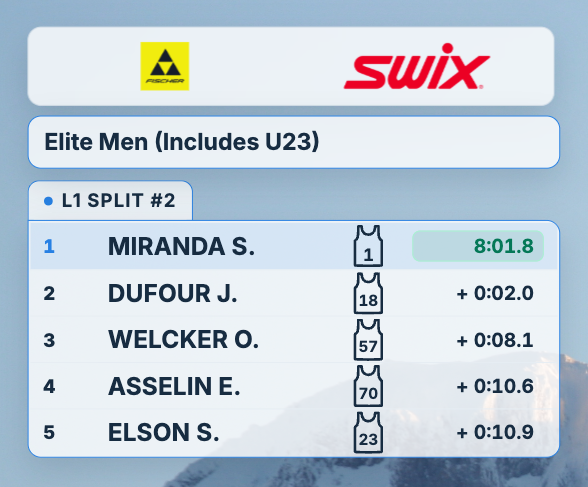 Lite and Standard: the small sponsor banner.
 Lite and Standard: the full sponsor banner.
 Premium: your own uploaded header.
Replay (testing only)
| Setting | What it does |
|---|---|
| Activate Replay | Replays the race with play, pause, speed and seek controls. |
| Stressed Mode Replay | Replays with harder event timing. Never use it live. |
| Replay Stress Seed | Repeats the same stressed replay. |