Broadcast can only show racer fields that are public. Set them up before building your graphics.
Make a field public
- Open the race in Zone4 Race Configuration.
- Edit the field under Standard Racer Fields or Custom Racer Fields.
- Turn on Contains Public Data and save. Adding the field to a public result set works too.
- In Broadcast, run Populate Racers if the change does not show.
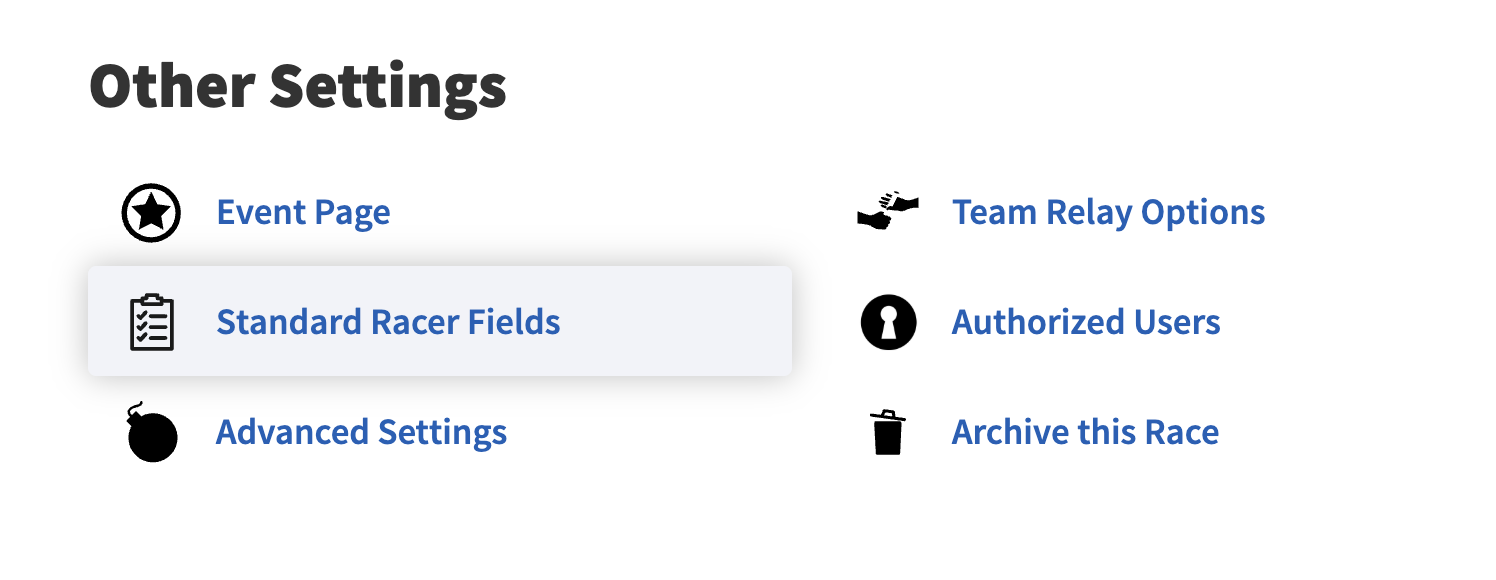 Standard Racer Fields in the race settings.
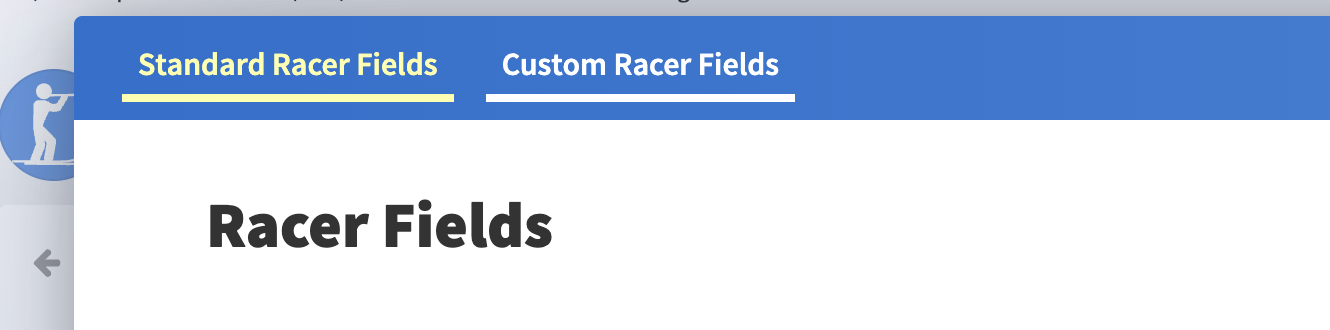 Pick the Standard or Custom tab, then edit the field.
 Contains Public Data.
Clean up country and province values
One spelling per place
“USA”, “United States” and “United States of America” can show different flags. Use one value for each place.
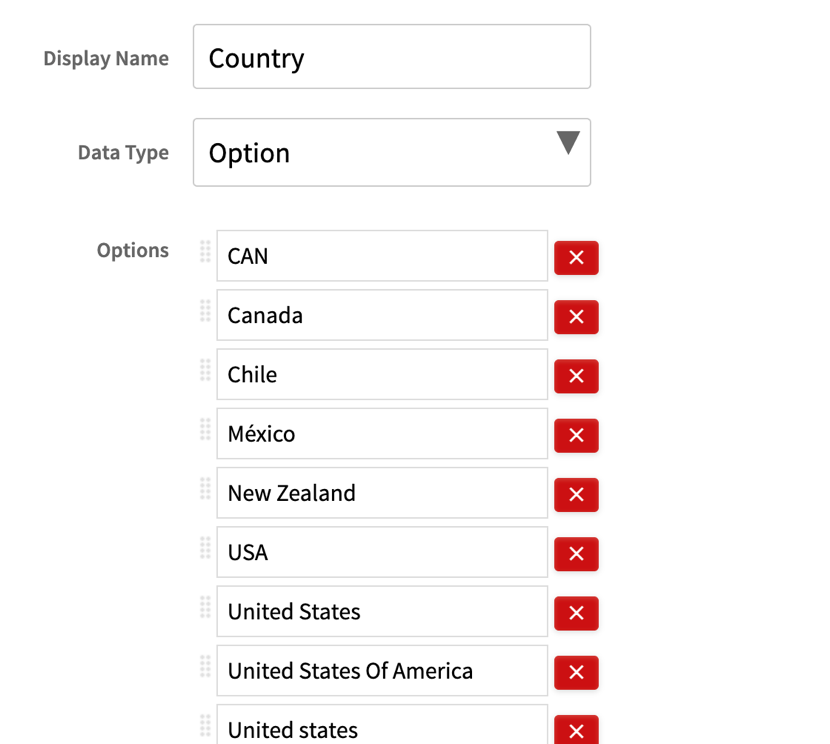 Merge duplicate spellings before race day.