---
title: Making Racer Fields and Flags Available in Broadcast
categories: [broadcast]
summary: "Make racer fields public so Broadcast can show them, and clean up country and province values so the right flags appear."
updated: 2026-10-14
---
Broadcast can only show racer fields that are public. Set them up before building your graphics.
## Make a field public
1. Open the race in Zone4 Race Configuration.
2. Edit the field under Standard Racer Fields or Custom Racer Fields.
3. Turn on **Contains Public Data** and save. Adding the field to a public result set works too.
4. In Broadcast, run [Populate Racers](/kb/broadcast-main-control-panel/) if the change does not show.
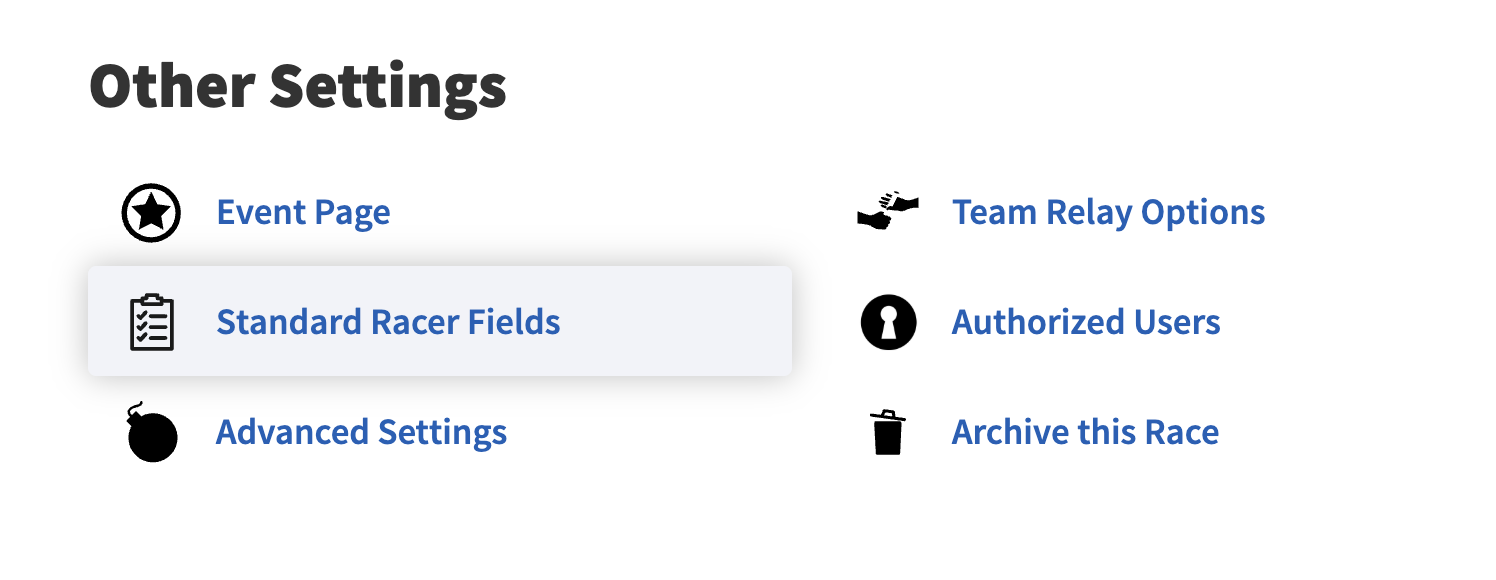
*Standard Racer Fields in the race settings.*
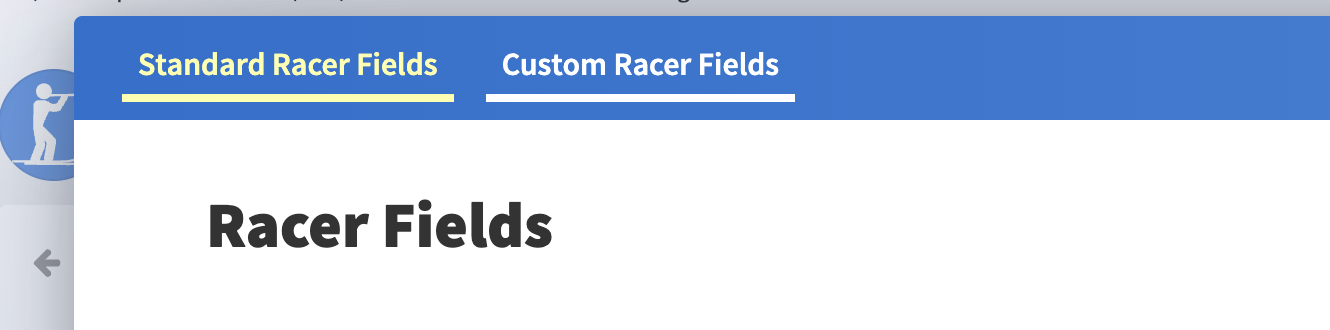
*Pick the Standard or Custom tab, then edit the field.*
 *Contains Public Data.*
## Clean up country and province values
> **One spelling per place**
>
> “USA”, “United States” and “United States of America” can show different flags. Use one value for each place.
*Contains Public Data.*
## Clean up country and province values
> **One spelling per place**
>
> “USA”, “United States” and “United States of America” can show different flags. Use one value for each place.
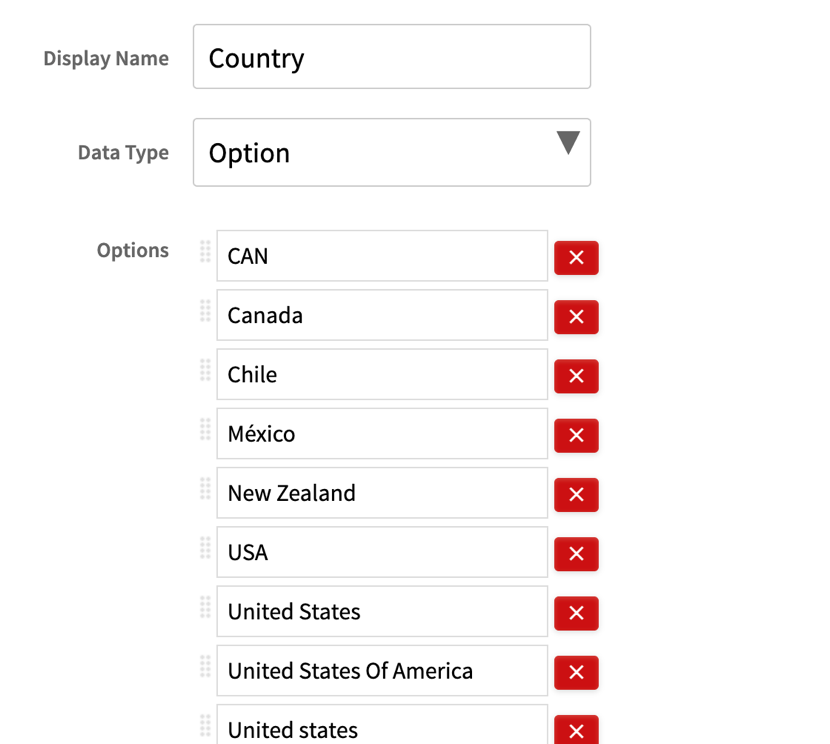 *Merge duplicate spellings before race day.*